
Super Easy Gallery
Add your photos and videos very easily. Just place files in the website folder and edit this page when needed.
Easy method: put photos in the same website folder or in an images folder, then copy one card and change file name.
For videos, put them in the videos folder and copy one video card.
For videos, put them in the videos folder and copy one video card.
School Photos
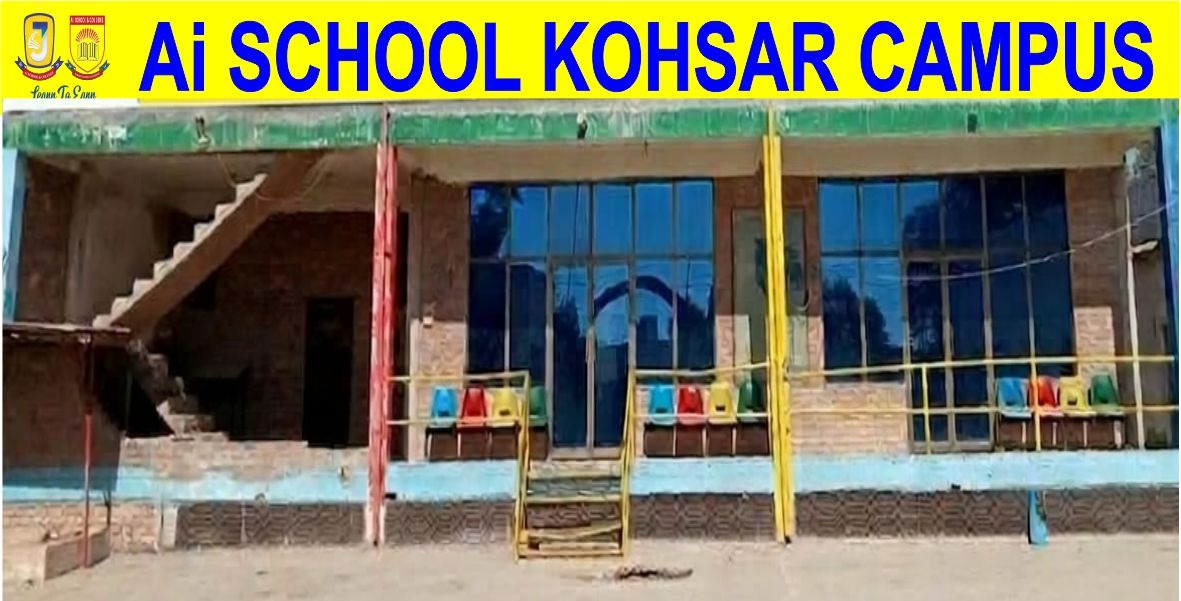
School Building
Main campus building view.
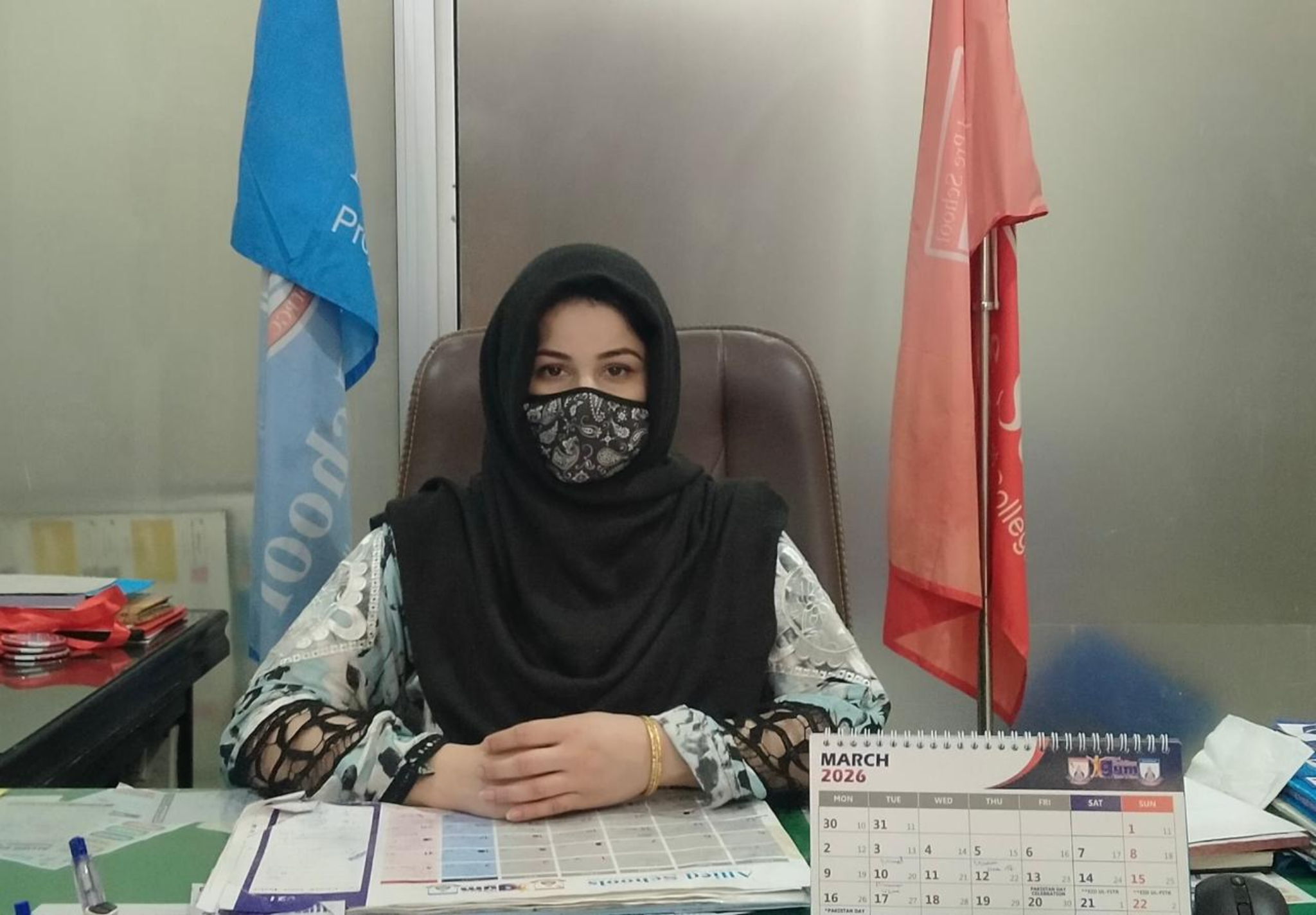
Madam Sitara Nasir
Principal of the school.

Chairman
School leadership team.

AI School
Modern learning and school identity.
School Videos
School Overview
Add your school video inside the videos folder with name school.mp4.
School Event
Add your event video inside the videos folder with name event.mp4.
How to Add More Photos
Copy this block and paste it again inside the photo section:
<div class="easy-card">
  <img src="your-photo.jpg" alt="Photo">
  <div class="caption">
    <h3>Your Title</h3>
    <p>Short description here.</p>
  </div>
</div>
How to Add More Videos
Copy this block and paste it again inside the video section:
<div class="easy-video-card">
  <video controls>
    <source src="videos/your-video.mp4" type="video/mp4">
  </video>
  <div class="caption">
    <h3>Your Video Title</h3>
    <p>Short description here.</p>
  </div>
</div>